Free to start · No download
Chatter that belongs to your team.
Real-time chat rooms for teams and communities. Open one in seconds, share a single link, and run it your way.
Open a room in seconds. Share it with one link. Talk it out in real time.
Every room has its own address.
Choose a name and the address is yours.
Email it, post it, print it or link it.
Live on the network
The rooms are buzzing.
Open rooms you can walk into right now, from any browser. Pick one, choose a nickname and say hello.
Everything your group needs.
Simple to start, serious when you need it.
Rooms that remember
Topic, settings and helpers stay.
Moderation that works
Kick, ban, autokick and lock the topic.
Private when you need it
Hidden, invite only, or password protected.
Rooms as tabs
Ten rooms in one window, with news dots.
Never miss a mention
One Highlights view gathers every mention.
Avatars and themes
Emojis, themes, and your own custom look.
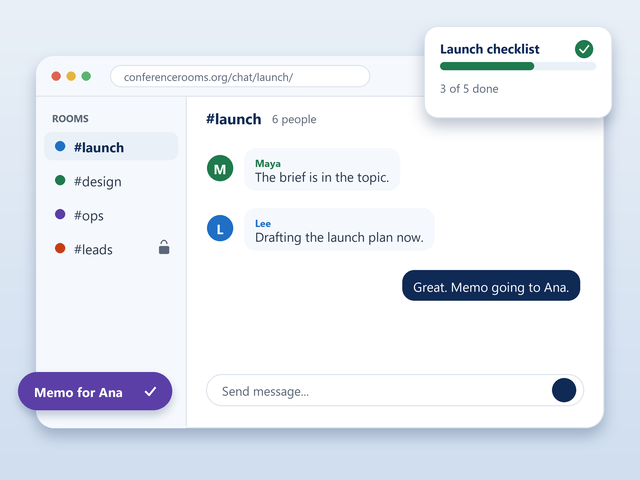
A standing room for every project.
Give each project its own room, keep a private one for the leads, and let memos reach whoever is away. It stays where you left it.
- Registered rooms keep their settings
- Hidden or invite-only for the leads
- Ten rooms in one window
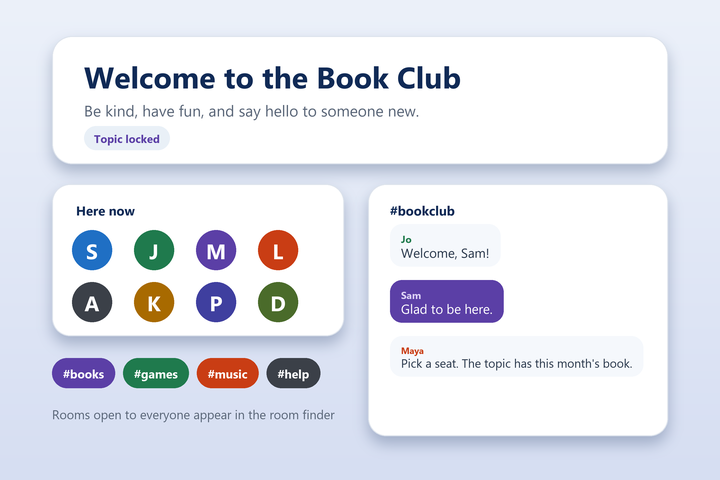
A friendly front door for newcomers.
Write a welcome line, lock it, and let your regulars help keep the room friendly. Rooms open to everyone appear in the room finder.
- A welcome topic every visitor sees first
- Operator or voice for trusted regulars
- Language filter on request
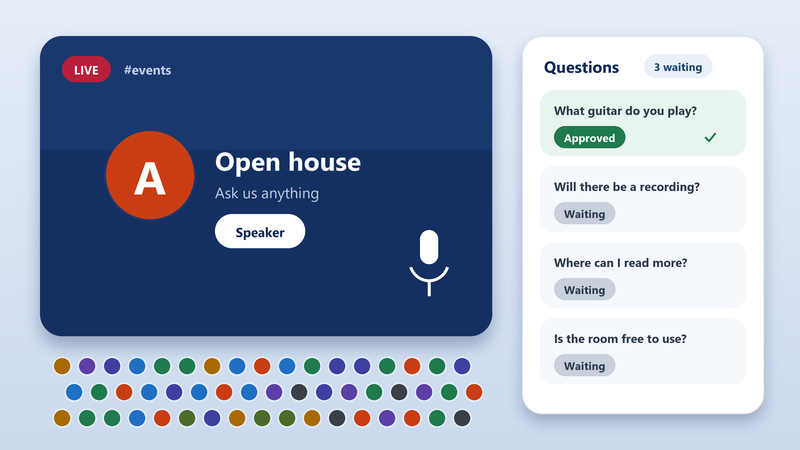
Host the big moment.
Share one address, let the speakers talk and everyone else follow along. For a large audience, Professional adds Auditorium Mode and a question inbox.
- Voice for the speakers
- Questions wait for a moderator
- Keep the room for next time
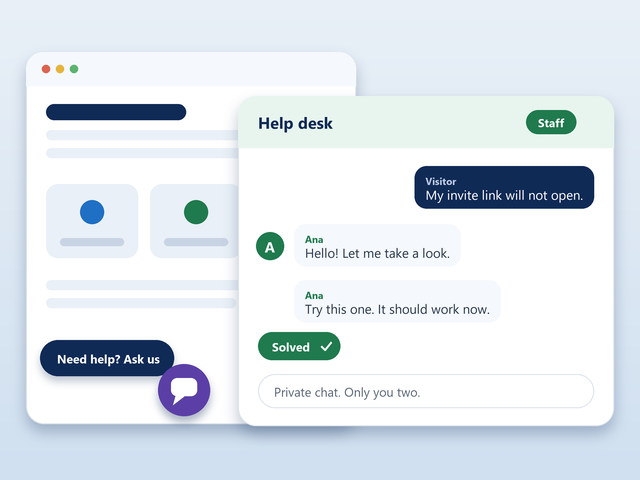
A help desk with no sign-up in the way.
Put a link in your product. Visitors ask, your staff answer in a private chat, and nobody has to create an account first.
- One link in your product or site
- Private chat with staff
- Staff are easy to spot
Built for the main stage.
Professional and Enterprise add big-event tools, a written record, live translation and a network of your own. Every room still starts free.
A full house of 1,000. One calm room.
Auditorium Mode, Auditorium Rows and a question inbox keep a crowd of up to 1,000 readable while your moderators pick what goes live. Enterprise takes it to 10,000.
See the event toolsProfessionalEvery word, now permanently on record.
CR Scribe writes the conversation to a web page while it happens, with a list of everyone who was there.
Meet CR ScribeEnterpriseTalk across languages live. Learn and grow.
CR Translation lets each person read the room in their own language, with nothing to install. Each room pairs English with Korean, Malay, French or Spanish.
See CR TranslationEnterprise Let’s go!
 가자!
A whole network with your name on it.
Link your own servers into one network, inside your walls, with your partners or open to the world. Licensed for 10,000 users.
Plan your networkDo I need an account?
No. Pick a nickname and chat. Register your nickname later if you want to keep it.
Is it really free to get a room?
Yes. Start a room, share the link and register it when you want it to stay yours.
Can I make a room private?
Yes. Hide it from the lists, require an invite or a key, or let in registered members only.
What do I need to install?
Nothing. The Web Chat runs in your browser. If you prefer a chat program, any IRC client works too.
Will it work on my phone?
Yes. The chat is designed for small screens as well as large ones.
How do I keep order in a busy room?
Give trusted helpers operator status, lock the topic and modes, use autokick for repeat offenders and turn on the language filter.
What do Professional and Enterprise add?
Professional adds the WebAdmin control panel, your own logo and colors, event tools such as Auditorium Mode, and CR Scribe. Enterprise adds CR Translation, linked servers and a network that is entirely yours.
It's worth talking about on
 ConferenceRooms.org
Your people are waiting. Open your room and start a good conversation.